

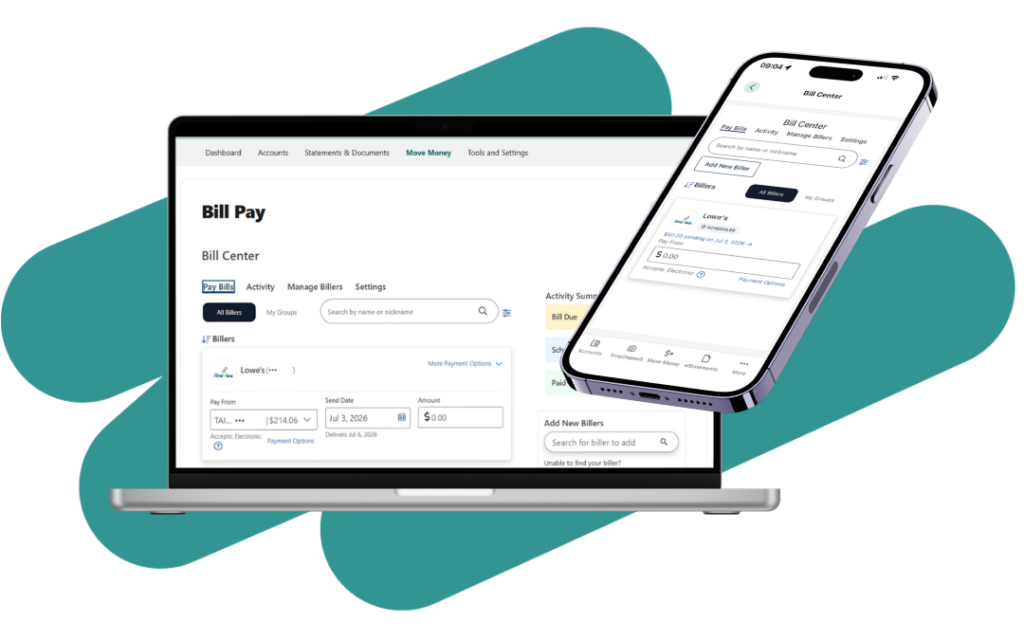
We’re upgrading our Bill Pay service. This page will serve as your central resource for everything you need to know before, during, and after the upgrade.
The upgraded Bill Pay system provides additional tracking information, updated navigation, and new tools to help you manage your payments.
Use this page as your resource for important dates, FAQs, step-by-step instructions, and updates related to the Bill Pay conversion.
Important Dates
Bill Pay System Unavailable During Transition: To be determined
New Bill Pay System Available to Full Membership: To be determined
During this transition period, you will not be able to schedule, edit, or cancel payments. Please plan ahead and make any needed payment changes before the system becomes unavailable.
What Will Transfer
Most of your existing Bill Pay information will transfer automatically to the new system, including:
- Existing payees
- Scheduled one-time payments
- Recurring payments
- Payment history
After your first login, we recommend verifying your payees, scheduled payments, and reoccurring payments to ensure that everything transferred correctly.
What Won’t Transfer
eBills Will Need to Be Reconnected
For security reasons, eBill enrollments cannot be transferred to the new Bill Pay system.
If you currently receive eBills through Bill Pay, you’ll need to reconnect those billers after the new system launches.
We’ll provide step-by-step instructions to help you quickly re-establish your eBills.
What’s Changing?
Understand When Payments are Sent and Delivered
The upgraded Bill Pay system displays both Send Date and Estimated Delivery Date, helping you understand when payments are sent and when your payee is expected to receive them.
When scheduling a payment, you’ll see:
- Send Date
- The date your payment will be sent.
- Estimated Delivery Date
- The date your payee is expected to receive your payment. This additional visibility helps you better plan your payments and avoid surprises.
Understanding Payment Timing
Electronic Payments
- Funds are withdrawn on the Send Date.
- Funds must be available in your account on that date.
Check Payments
- Checks are mailed on the Send Date.
- Funds are withdrawn when the payee deposits or cashes the check.
After Your First Login
After logging into the new Bill Pay system:
- Review your payees.
- Verify account numbers and payment addresses.
- Confirm recurring payments are scheduled correctly.
- Re-enroll any eBills you previously used.
- Review upcoming payments, delivery dates, and any recurring payment schedules.
Frequently Asked Questions
How-To Tutorials
- How to Set Up eBills
- How to Add and Manage Billers
- How to Manage Biller Groups
- How to Pay a Person
- How to Make and Manage Bill Payments
If you have questions about the conversion or need assistance with the new Bill Pay system? Contact us at ContactUs@alltrucu.org.